

PROBABLY THE
Scroll down for more
What is Dashboard4Ewon
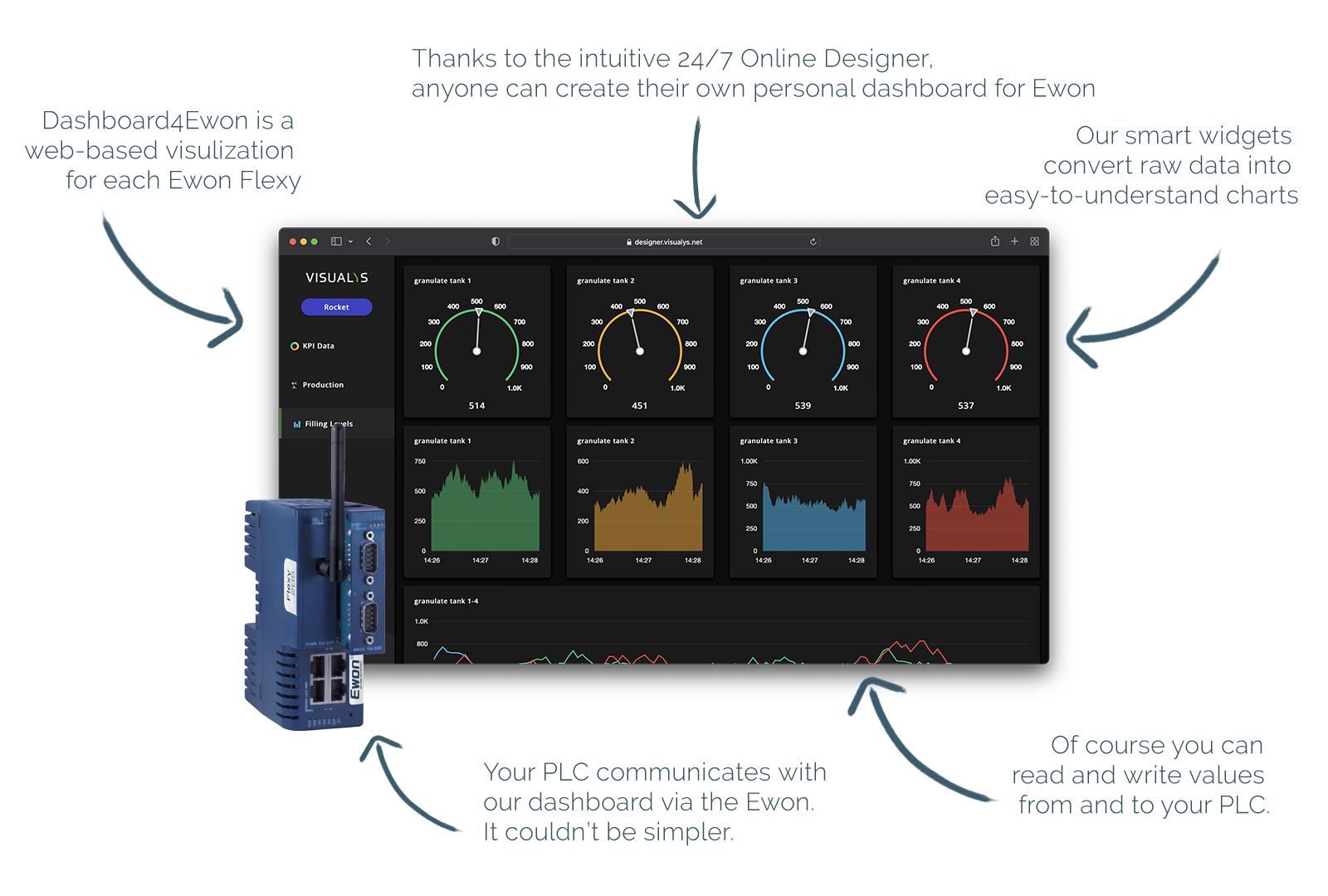
The Highlights at a glance
Switch today from Ewon Standard
to a modern & clear visualization
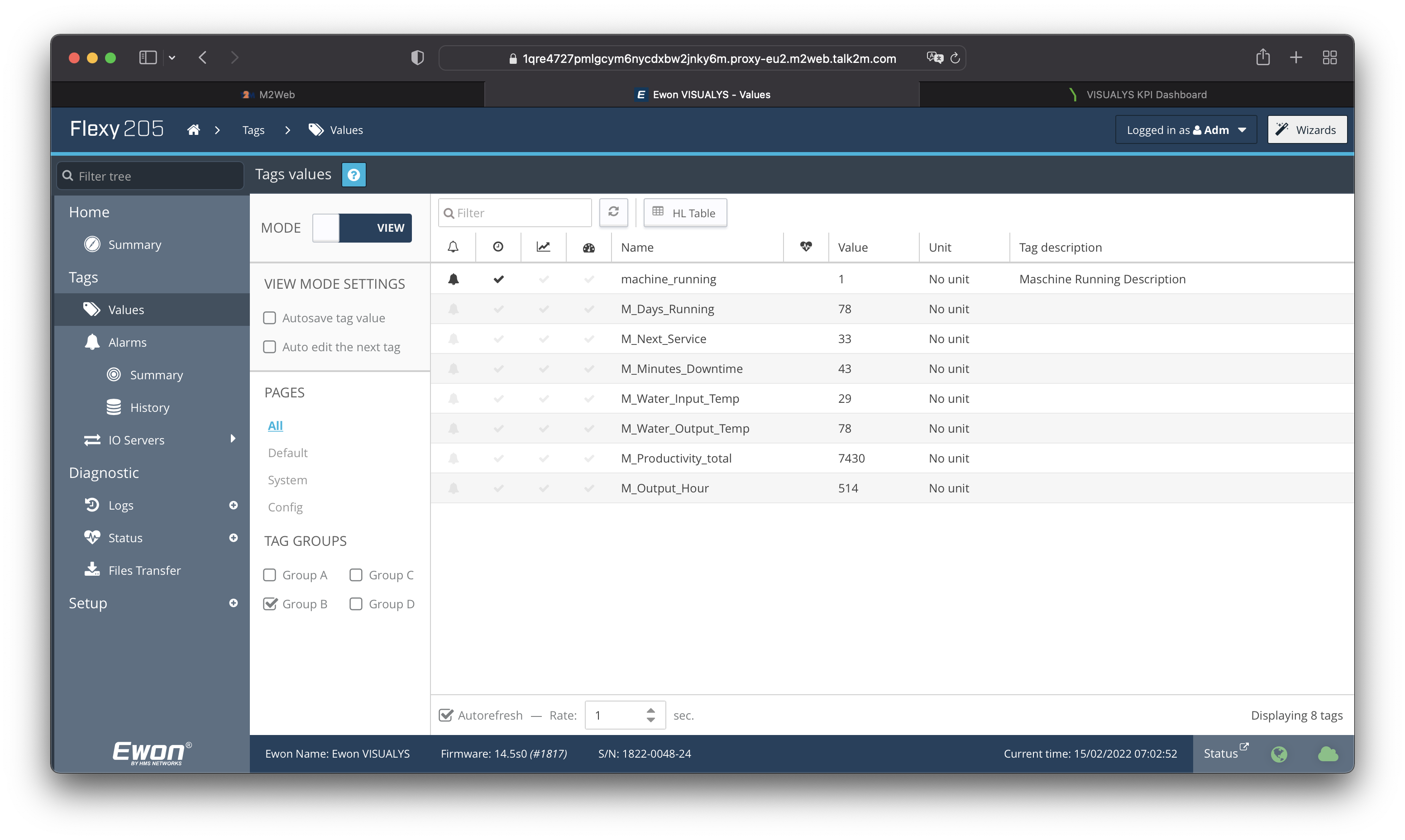
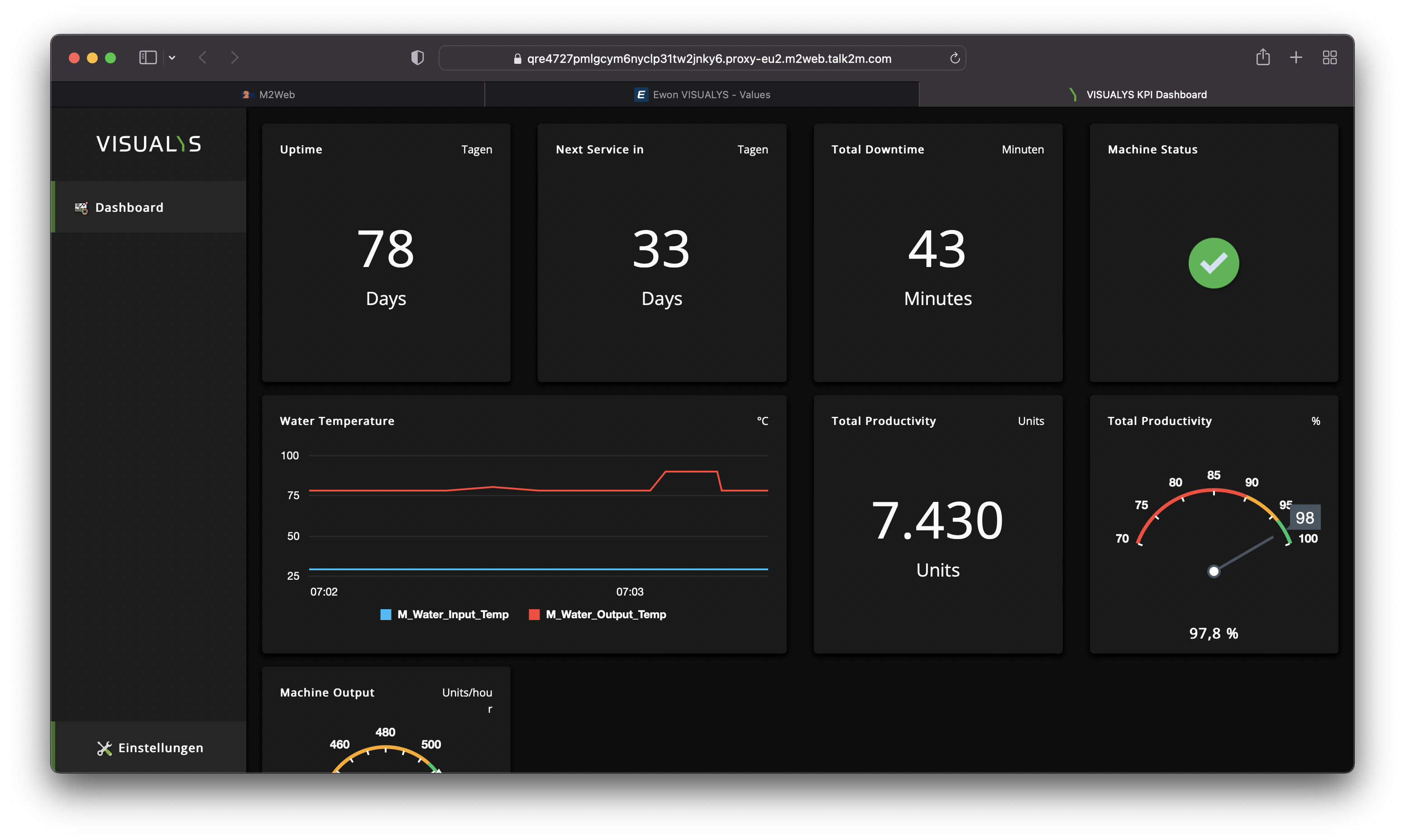
How the Dasboard4Ewon idea works?
Dashboard4Ewon is a smart cloud visualization of local machine data, but exactly this machine data will not be transferred to any cloud. They will remain local. But of course, you can open your Dashboard via Talk2M, M2Web or directly via LAN connection.
Yes: We save your Dashboard files on our servers so that an update of any dashboard is easy as possible and done in seconds. Means: Once a dashboard visualization is uploaded to an Ewon device, you never have to touch that Ewon again, to update your dashboard.
We continuously develop the Dashboard Designer and always provide our users with the latest version.
No visualization software needs to be installed. The biggest advantage: no matter what operating system you use, you can use the Dashboard Designer for Ewon on any device with a browser.
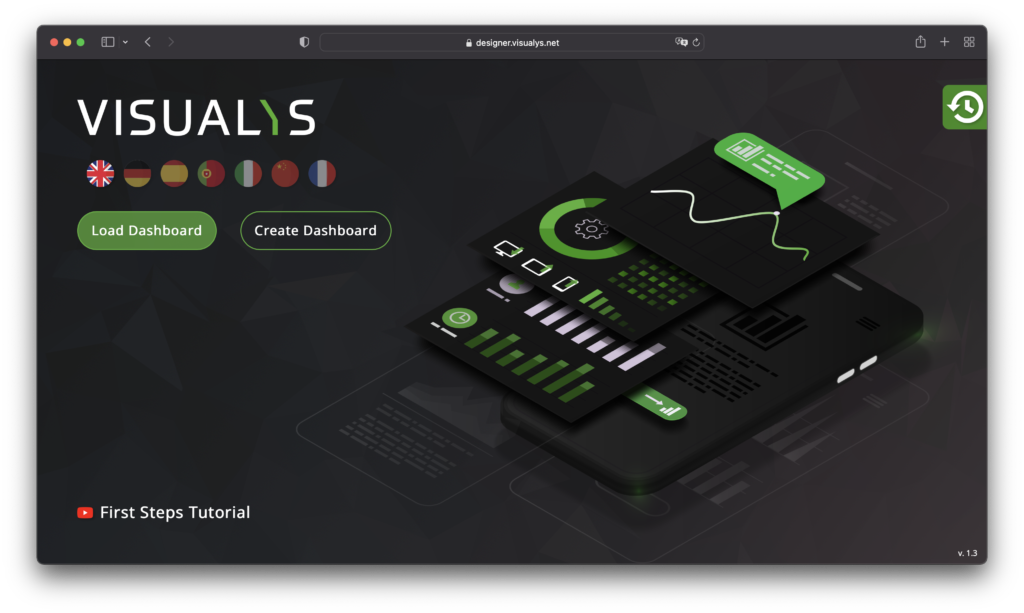
The Dashboard Designer is the tool to create your Visualization for your Ewon.
100
Increase In Data Awareness
7:34
Average Time To Create A Dashboard
9.8
Average Number Of Widgets Per Dashboard
The 3 steps to a successful dashboard
No Installation
One tool - always available
The Dashboard Designer is the key to creating stunning visualizations for your Ewon device. You will see: No training is required because our software is as easy as possible to use.
Fully customizable
Adapts completely to your needs
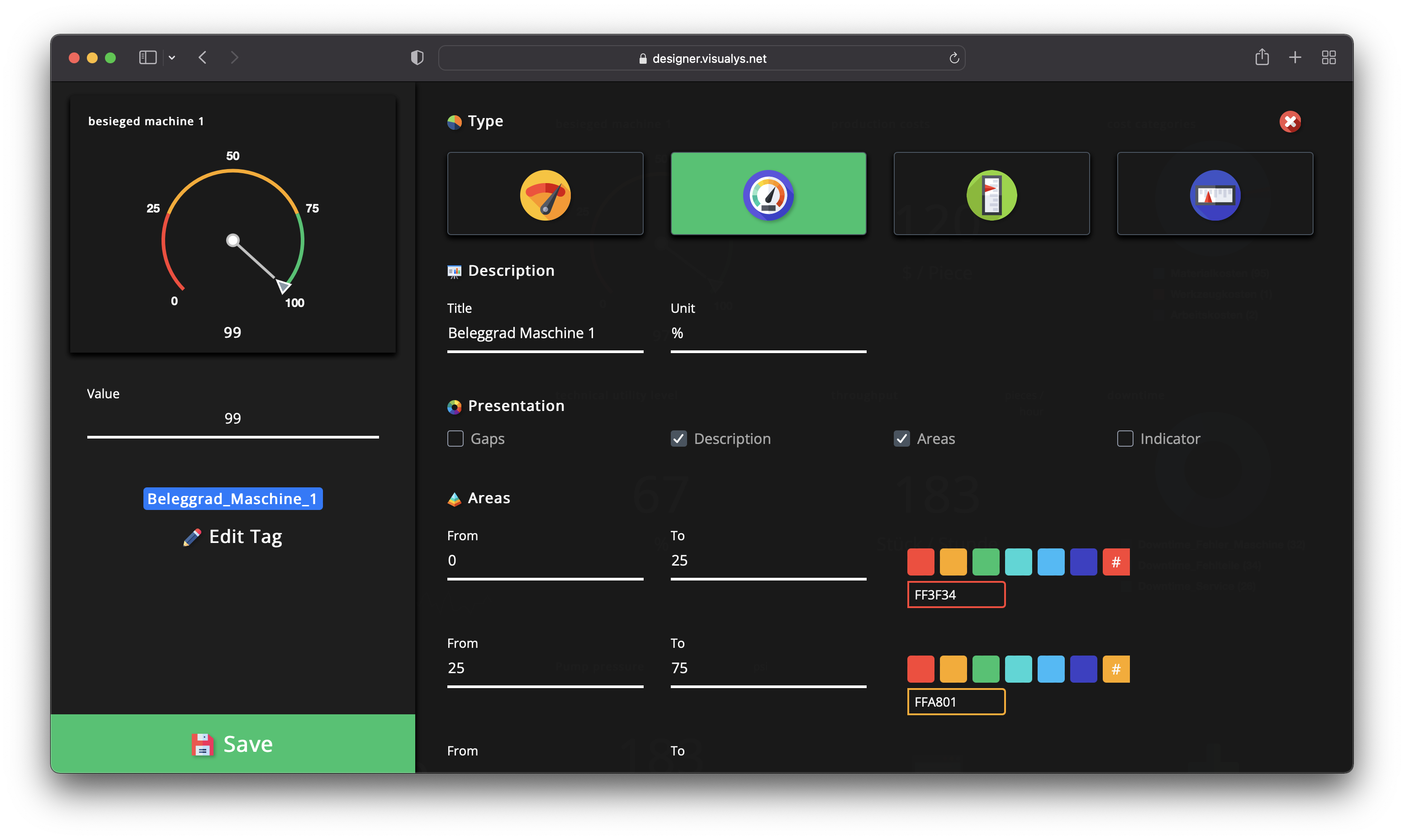
Of course, we provide the framework, but within that framework, you call the shots. Customize titles, units, colors, value ranges… as you need it for your application.
Where hardware meets software
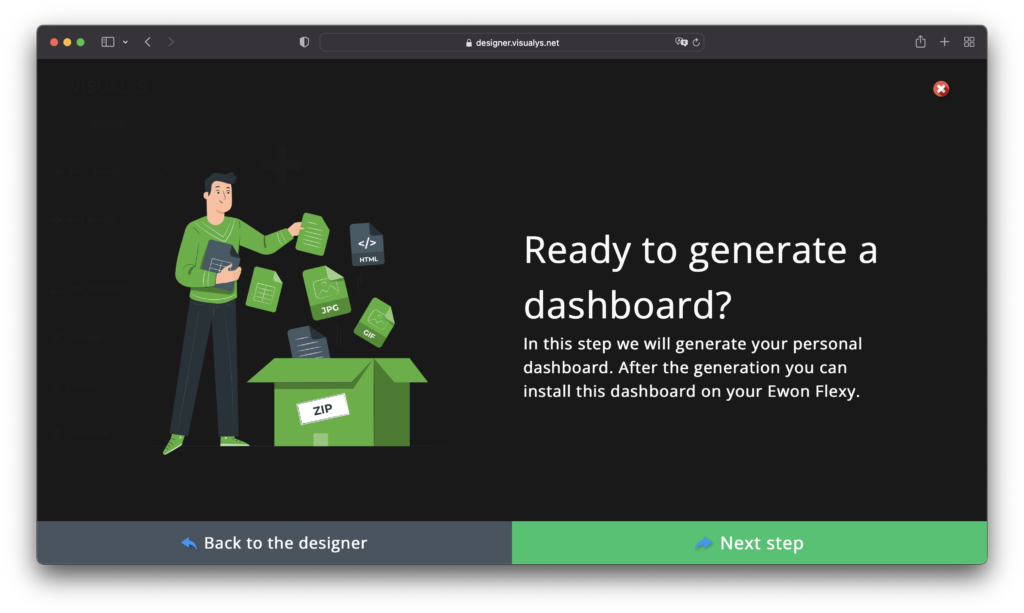
Generate your personal dashboard in seconds
After creating your dashboard, we combine your visualization with the serial number of your Ewon device. Copying or theft of your visualization is impossible.
Small investment – Big impact
FREEThe Trial Package
€ 0
Per EwonOne-Time-Payment
- 3 Widgets
- 1 Groups
- Read Widgets
- Write Widgets
Ewon Alarm List- Standard Logo
- Standard Color Style
SMARTThe Bestseller
€ 189
Per EwonOne-Time-Payment
- 12 Widgets
- 2 Groups
- Read Widgets
- Write Widgets
- Ewon Alarm List
- Customer Logo
- Standard Color Style
ROCKETThe All-In-One Package
€ 289
Per EwonOne-Time-Payment
- 48 Widgets
- 4 Groups
- Read Widgets
- Write Widgets
- Ewon Alarm List
- Customer Logo
- Customer Color Style

Find your local partner
To make it as easy as possible for your local Partner, it is best to ask for or order the following products:
- SMART Dashboard: V_DSH1SMA01
- ROCKET Dashboard: V_DSH1RCK01
ITALY

EFA Automazione SpA
Via Isola Guarnieri 13
20063 Cernusco sul Naviglio (MI)
Tel.: +39 02 92 11 31 80
vendite@efa.it
efa.it
GERMANY

Wachendorff Prozesstechnik GmbH & Co. KG
Industriestrasse 7
65366 Geisenheim
Tel.: +49 6722 996520
wp@wachendorff.de
wachendorff-prozesstechnik.de
SOUTH AFRICA

Shorrock Automation
56 Regency Drive, Route 21 Corporate Park
Centurion, Irene, Pretoria, 0157
Tel.: +27 12 450 0300
info@shorrock.co.za
shorrock.co.za
FRANCE

RG2i
14 rue Edouard Petit
42000 Saint Etienne
Tel.: +33 04 77 92 03 56
contact@rg2i.fr
rg2i.fr
USA

VIPA CONTROLS AMERICA
980 Birmingham Rd. #721
Alpharetta, GA 30004
Tel: +1 678 880 6910
info@vipausa.com
vipausa.com
AUSTRIA

AIONA Automation GmbH
Hütteldorfer Strasse 299/ TOP 4
1140 Wien
Tel: +43 1 876 08 90
office@aiona.at
aiona.at
INDONESIA

Komplek Meruya Garden
Blok M No.11, Meruya Utara, Kembangan
Jakarta 11620
Blok M No.11, Meruya Utara, Kembangan
Jakarta 11620
Tel: +62 21 589 050 70
Email: info@sanco.co.id
CZECH REPUBLIC

Te: +420 488 588 746
Email: foxon@foxon.cz
Email: foxon@foxon.cz
Still questions about vouchers, the FREE, SMART or ROCKET packages? Simply send an email!
Discontinuation of Dashboard4Ewon
As part of the continuous evolution of our product portfolio, we have made the strategic decision to discontinue sales of Dashboard4Ewon and phase out further development of the product.
Sales of vouchers and the creation of new dashboards will end by September 30, 2026. From that date onwards, no new licenses for creating additional dashboards will be offered.
Projects that have already been implemented and are currently in production use may continue to operate.
The associated development software is expected to remain available free of charge for existing projects until March 31, 2027. During this period, existing projects can still be opened, maintained, and modified.
Existing technical support will remain available until September 30, 2026. After this date, we can no longer guarantee support, maintenance or bug fixes for the development environment.
FAQ
Can I use Dashboard4Ewon on my Ewon Cosy?
Unfortunately not at the moment. Only Ewon Flexy and the Ewon CD series can be used with Dashboard4Ewon.
What is a Dashboard Voucher and how can I get one?
For the FREE package you don’t need a Dashboard Voucher. For the SMART & ROCKET package you can use the Dashboard Voucher for a direct download of your created Dashboard4Ewon.
You can buy the Dashoard Voucher online or directly from on of your partner in your country. Just click here on Get it Now.
How to upload my Dashboard to my Ewon?
The easiest way is to download the dashboard.zip file, unzip it and transfer the dashboard folder via FTP client (e.g. FileZilla) to your Ewon. You can also have a look here for a video tutorial.
I need to do an update to my existing dashboard. Do I have to pay again?
Absoluley no! Once you purchased a Dashboard for your Ewon serial number, you don’t have to pay for updates. The Dashboard license is valid for life time.
I need to do an update to my existing dashboard. How I can do that the best way?
It’s pretty simple. In the Dashboard Designer, open the Dashboard you created via the Dashboard Code (we store your Dashboard design on our server), modify your Dashboard the way you want and generate it again.
Important: You don’t need to transfer the generated files to your Ewon device again. We will update your dashboard on our server directly.
Just reload the dashboard visualization on your Ewon in the browser and you will have all updates immediately.


